Snapchat and plain text
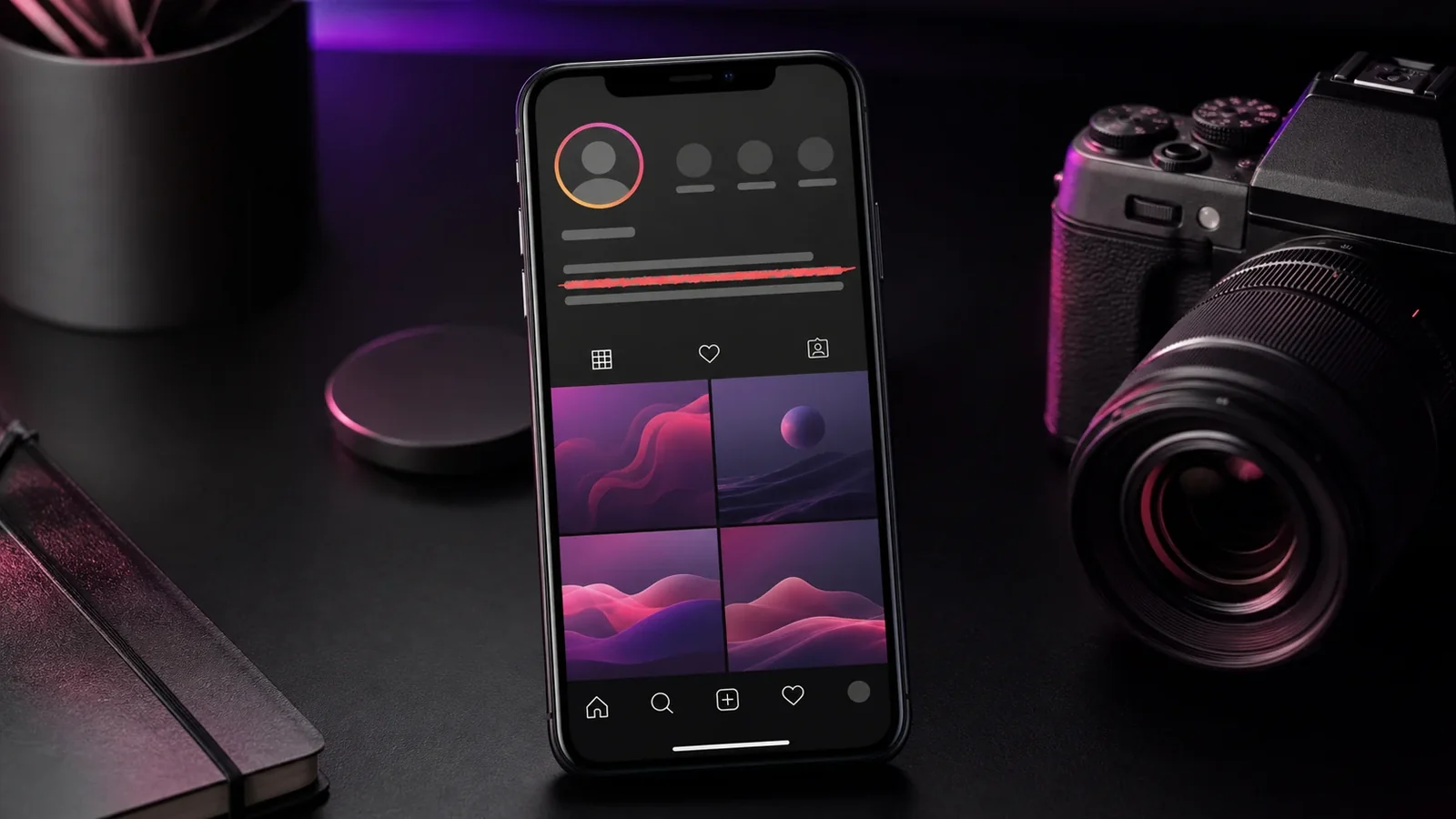
Snapchat chats and captions accept plain typed text without any styling options. Like Instagram, that means strikethrough has to come from characters that already include the line.
Sending crossed out text
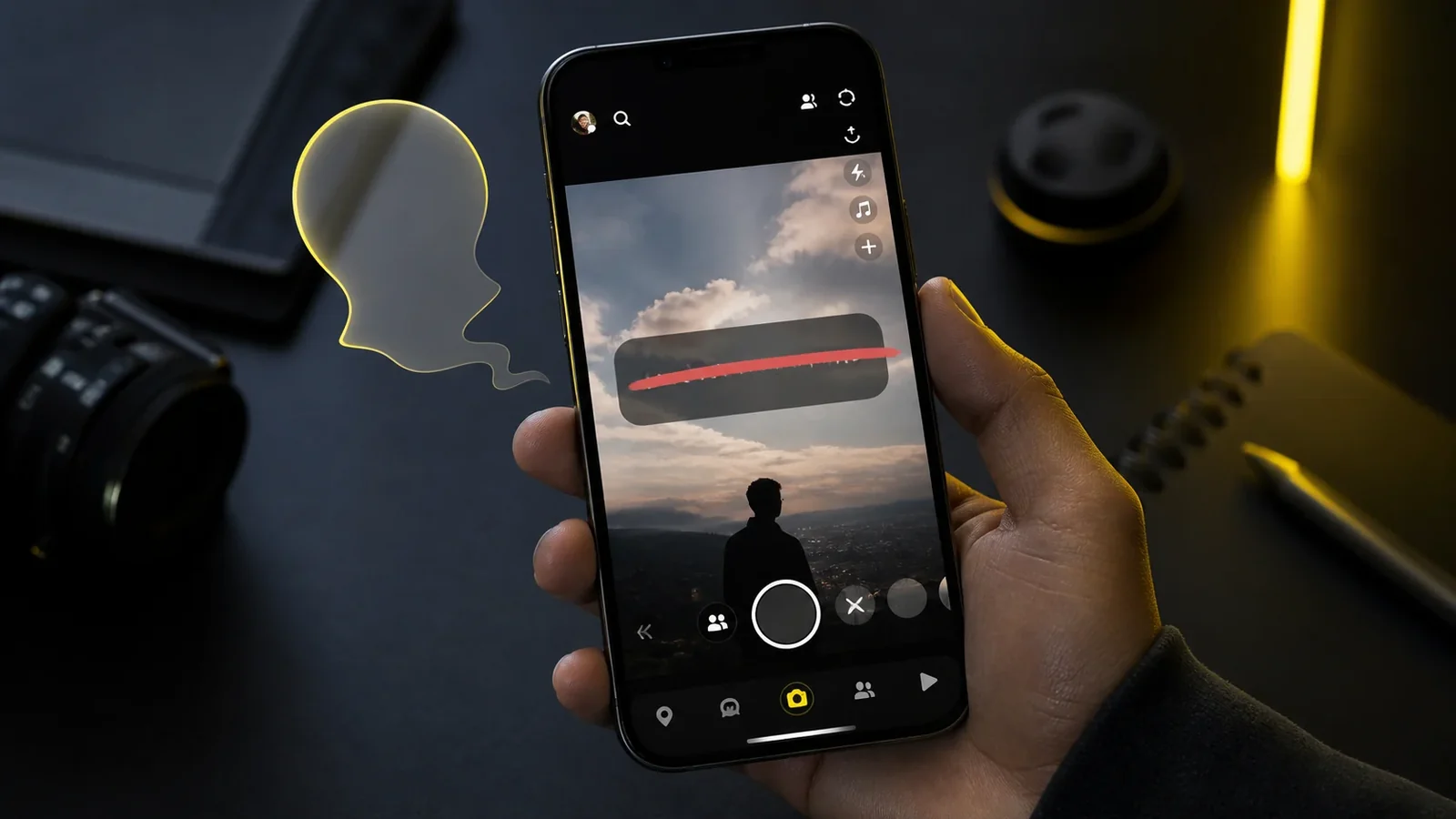
Type your words in the generator, copy the strikethrough style, then open a Snapchat chat and paste it into the message field. You can also paste into the text caption on a snap before you send it.
Because the effect is carried by the characters, your friend sees the line just as you do, assuming their device supports the marks.
Photo and video captions
When you add a caption to a photo or video, tap the text tool, then paste your generated strikethrough. Keep the phrase short so it fits neatly on screen and stays legible over your image.
A quick heads up
A small number of older phones render combining marks imperfectly, so if a caption looks off on one device it may still look perfect on another. Testing with a saved snap to yourself is an easy way to check.
Frequently Asked Questions
Not with a built in button, but you can paste Unicode strikethrough from a generator into chats and captions.
The receiving device may not fully support the combining marks. Try a shorter phrase or a different style.
Yes. The line is part of the characters, so it stays intact in the sent message.
Yes. You can create and paste it on Android, iPhone, tablets, and desktop devices without installing a special font.
Yes. Unicode combining marks travel with the letters, although an older app or unsupported font may render them differently.
Use it sparingly, keep the phrase short, and provide the intended meaning in nearby plain text because screen readers may not announce the visual line.