Why cross out rather than delete
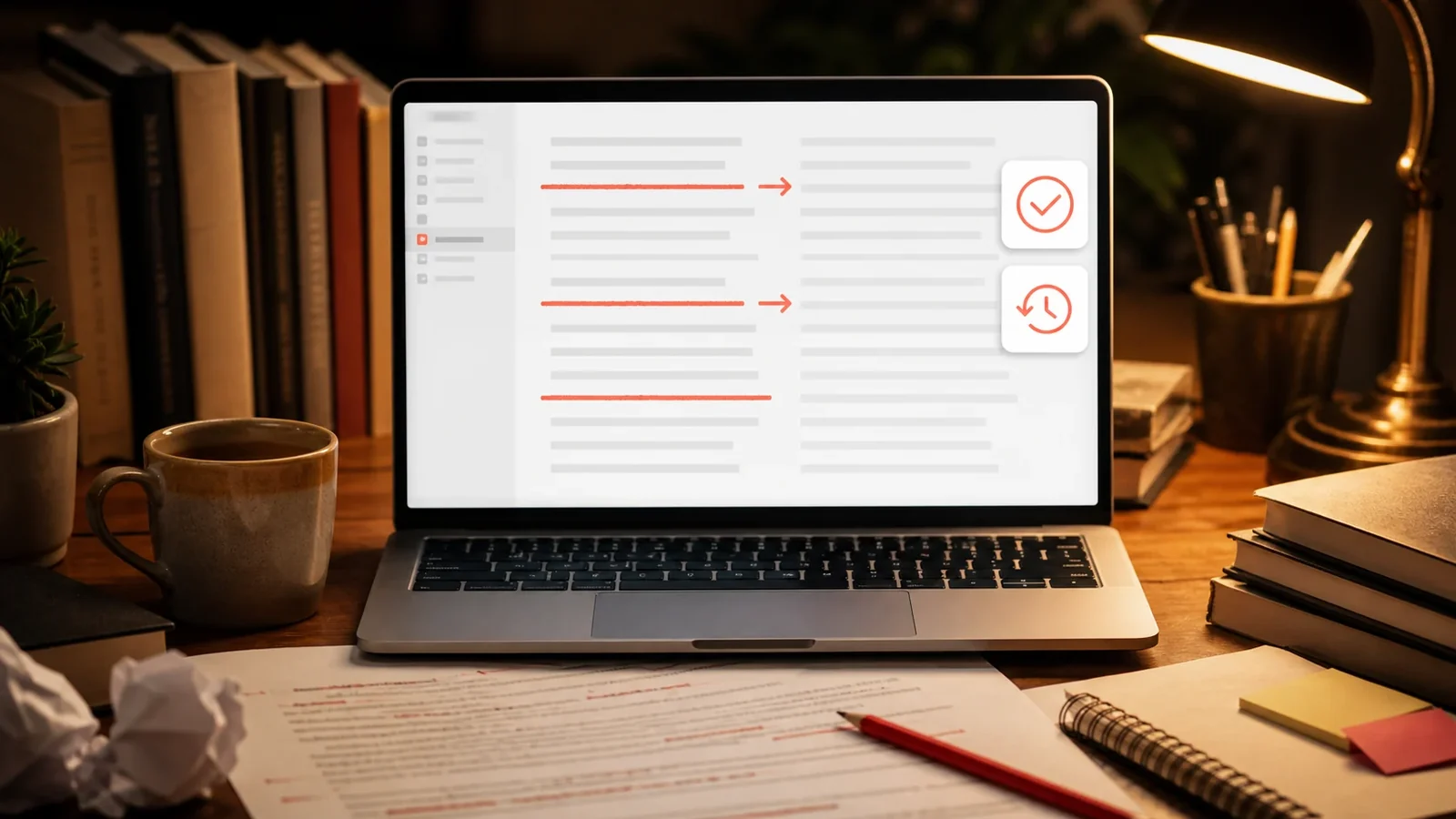
Deleting a word erases the fact that you ever wrote it. Crossing it out keeps the original visible while making clear it has been reconsidered. In collaborative work this preserves context, so a reader can see what changed and why.
Where tracked changes are not available
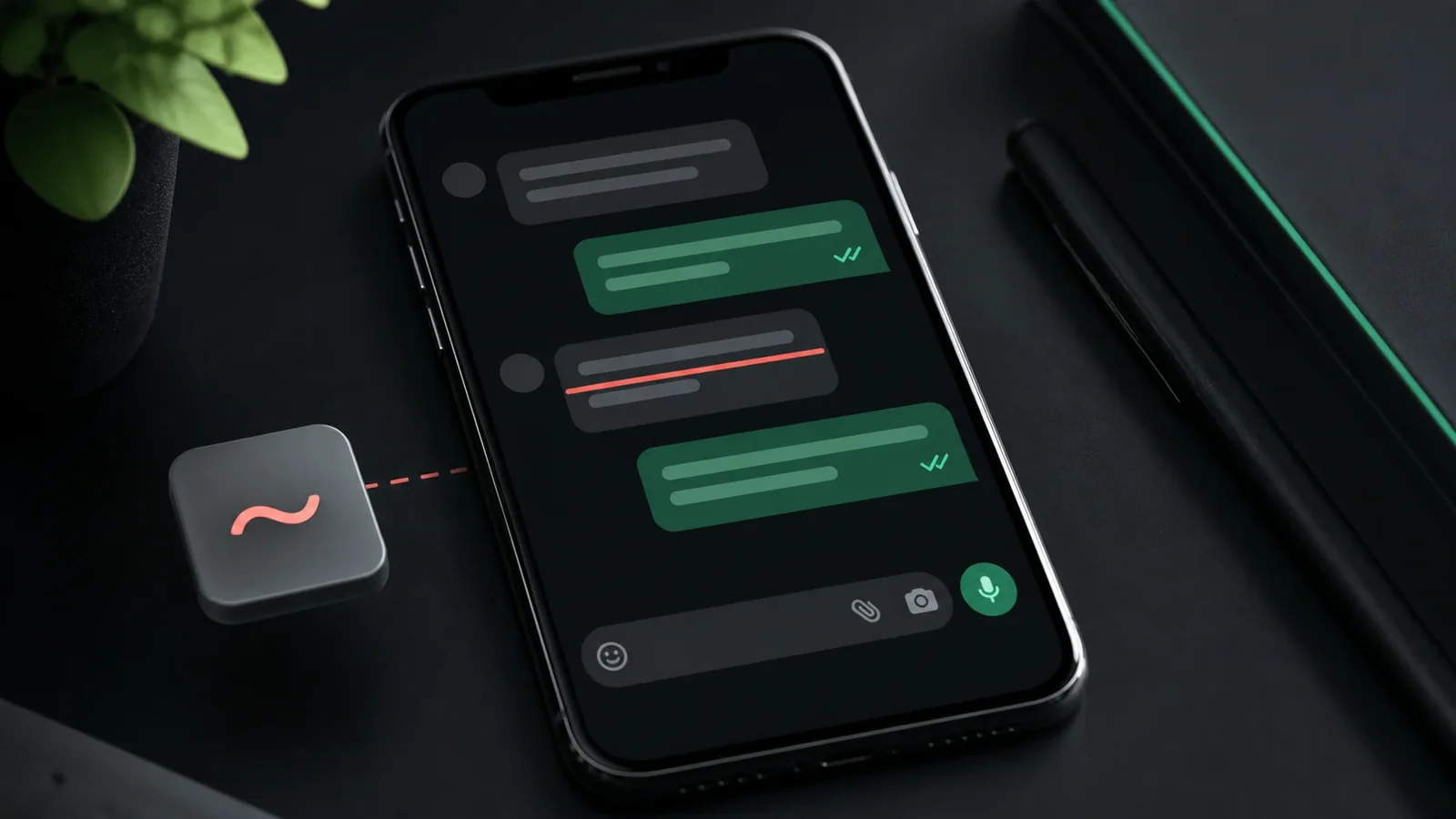
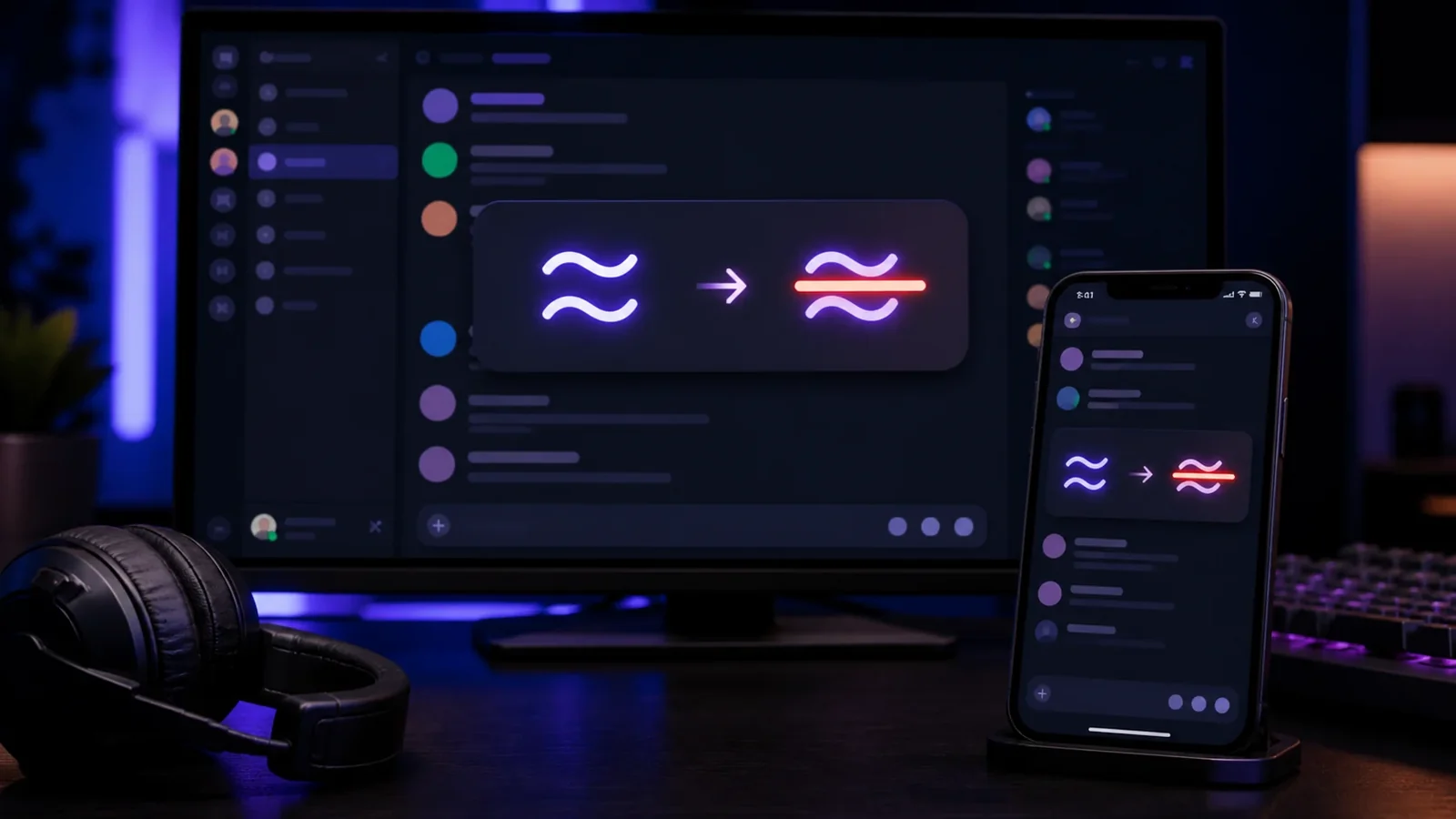
Formal editors use tracked changes in Word or suggestion mode in Google Docs, which handle strikethrough automatically. But in plain text notes, emails, and chat, those tools do not exist. There, Unicode strikethrough lets you show a retraction that survives copy and paste.
Setting the right tone
A crossed out word can soften a correction or add a note of honesty, as in a struck first attempt followed by the improved version. Used sparingly it reads as candid rather than messy.
Cleaning up later
Strikethrough is a working device, not a final one. Before publishing, decide which struck passages to remove entirely and which to keep for effect. A finished piece rarely needs many crossed out words.
Frequently Asked Questions
Not quite. Tracked changes is a formal review feature that records edits, while strikethrough is a visual mark you can apply anywhere, including plain text.
Usually only where it adds meaning or tone. Most working strikethroughs are cleaned up before publishing.
Yes. Paste Unicode strikethrough from the generator so the line survives in a plain text message.
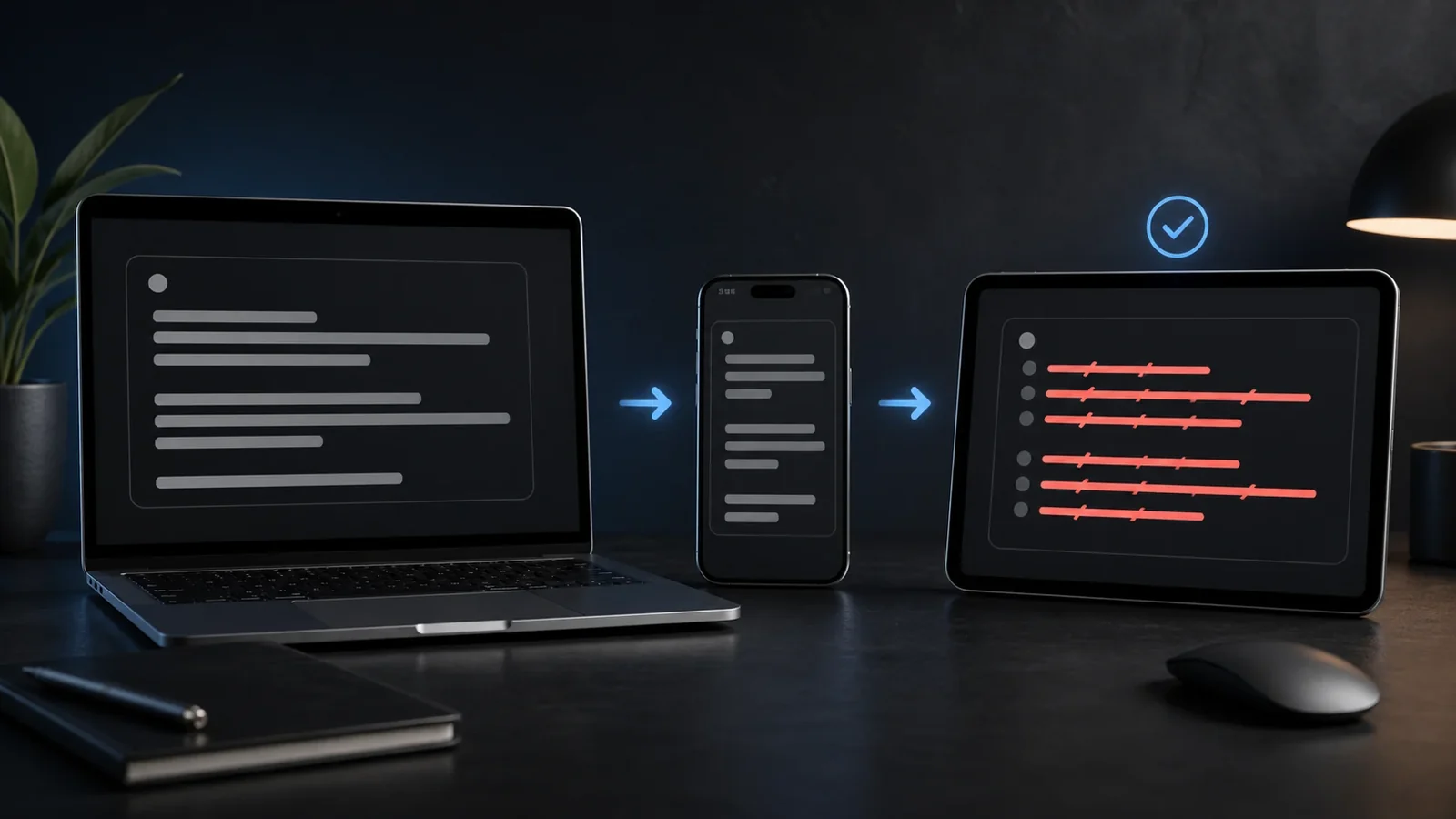
Yes. You can create and paste it on Android, iPhone, tablets, and desktop devices without installing a special font.
It usually survives between rich-text editors. In plain-text destinations, Unicode strikethrough is the more portable option.
Use it sparingly, keep the phrase short, and provide the intended meaning in nearby plain text because screen readers may not announce the visual line.