Privacy first
The best generators do all the work in your browser, so your text never touches a server. That means faster results and nothing logged. If a tool sends your words somewhere to process them, there is no good reason for it.
Clean, portable output
A good generator produces standard Unicode that pastes reliably into chat apps, bios, and documents. Poorly built tools sometimes use exotic characters that break on other devices, so portability is a key test.
Useful style choices
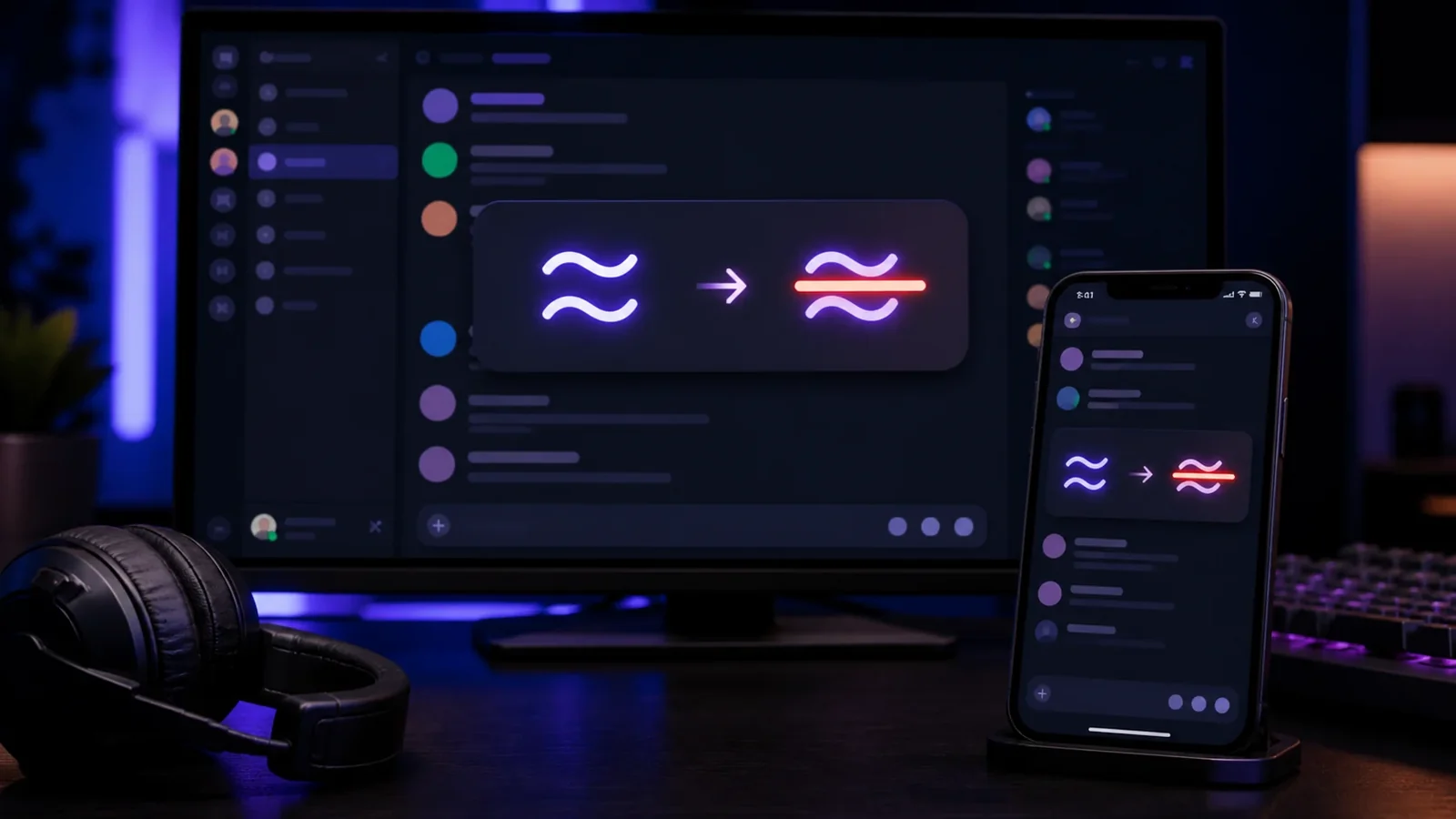
More is not always better, but a handful of well chosen styles helps. Classic strikethrough, a tilde overlay, a slash, and an underline cover almost every need. Live previews let you compare them before copying.
Speed and simplicity
The tool should update as you type, copy in one tap, and stay out of your way with no clutter or pop ups. A clean interface that works on mobile is worth more than a long list of rarely used options.
Frequently Asked Questions
It processes everything locally in your browser, produces standard Unicode, and does not require an account.
A few well chosen styles cover most needs. Classic strikethrough, tilde, slash, and underline are the essentials.
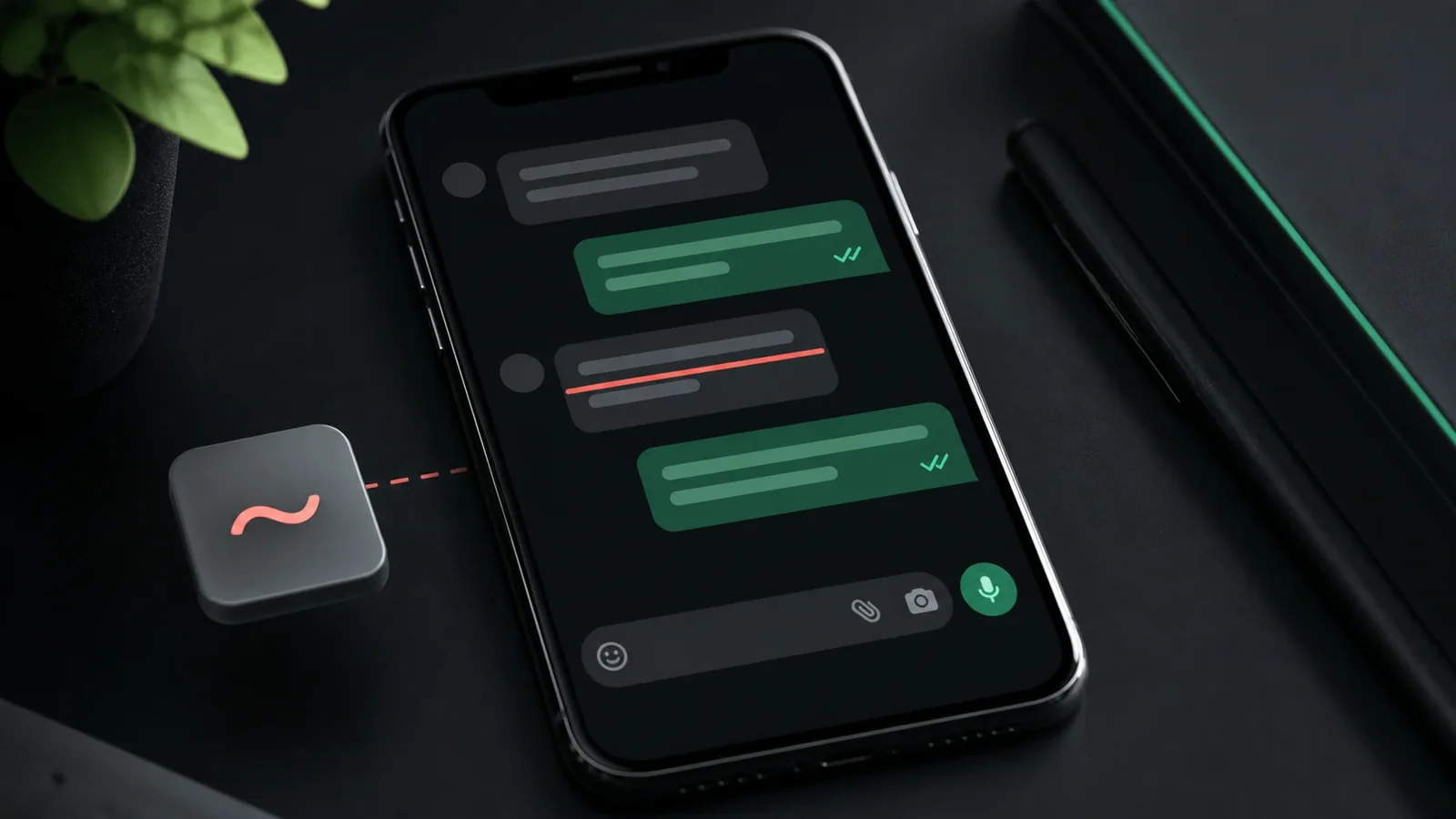
Yes. A good tool copies in one tap and works in any mobile browser without an app.
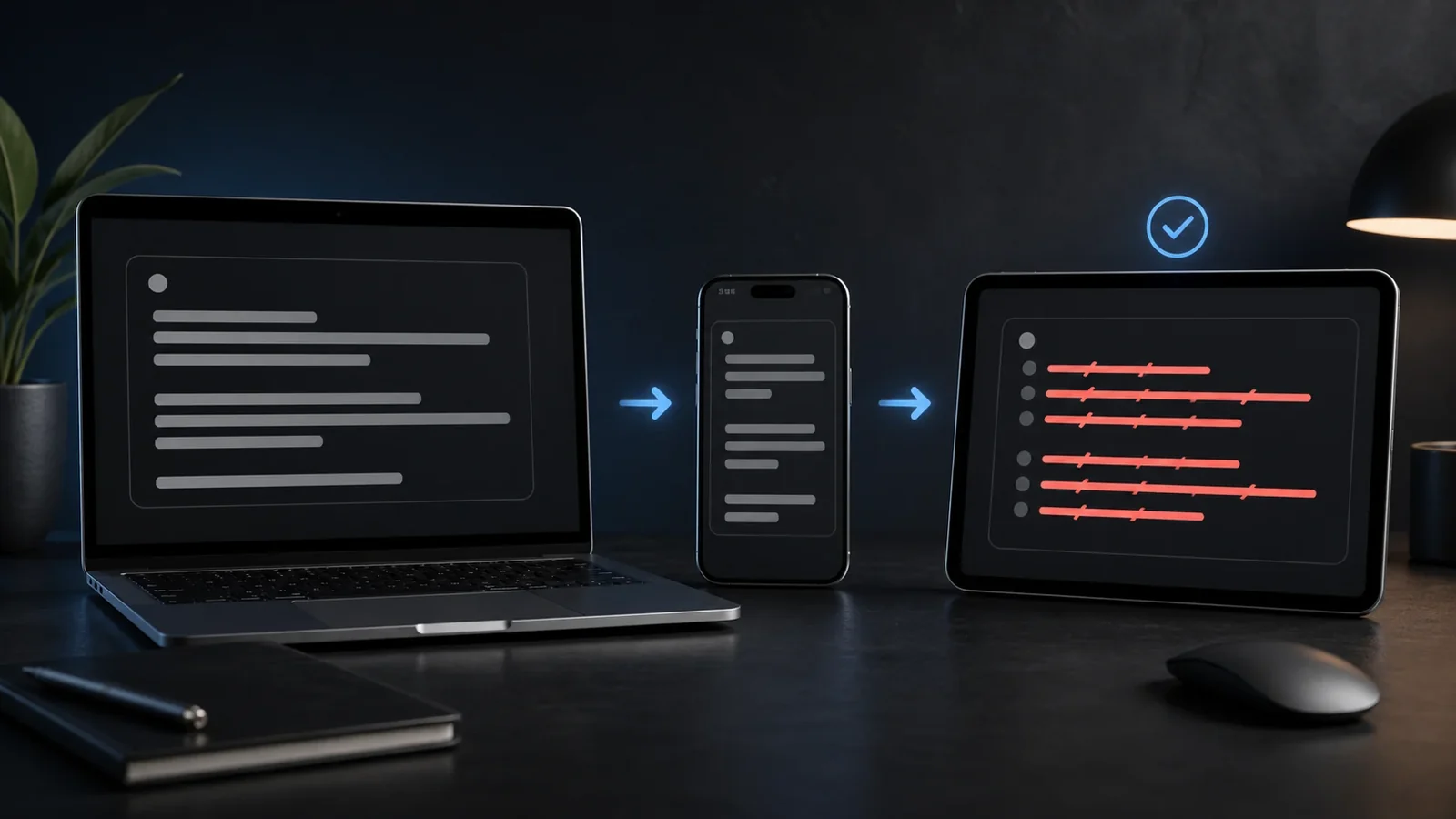
Yes. You can create and paste it on Android, iPhone, tablets, and desktop devices without installing a special font.
Yes. Unicode combining marks travel with the letters, although an older app or unsupported font may render them differently.
Use it sparingly, keep the phrase short, and provide the intended meaning in nearby plain text because screen readers may not announce the visual line.